Short · Technology
How can a MacBook trackpad talk with no speaker?
A developer muted his MacBook and made the trackpad talk. There’s no speaker in there, just a tiny haptic motor that taps the glass so you feel a click. Tap it a few times a second and you feel clicks. Speed it up to hundreds, then thousands of taps a second, and the glass vibrates fast enough to make sound: loud from about 100 to 4,000 Hz. To speak, Cody Collier’s open-source nospeaker finds the voice’s two strongest resonances every 10 ms and plays them as two tones on the motor. Two tones instead of a full voice: that’s why it sounds robotic.
Opens Haptic Speaker Lab. Change the same thing yourself.
Transcript
A developer muted his MacBook, and made the trackpad talk. There's no speaker in there. Just a tiny motor that taps the glass, so you feel a click. Tap it a few times a second, and you feel clicks. Now speed it up. Hundreds, then thousands of taps a second, and the glass itself vibrates fast enough to make sound. It's loud from about a hundred to four thousand hertz. To speak, the app finds the voice's two strongest resonances every ten milliseconds, and plays them as two tones on the motor. Two tones, instead of a full voice. That's why it sounds robotic. Follow for more explainers like this.
Learn more
Learn more about the talking trackpad
This model shows taps turning into a tone and a voice turning into two tones. The guide adds what is under the glass, where the trackpad is loud, why it sounds robotic and where the model stops.
- Topic guideHow can a MacBook trackpad talk with no speaker?The haptic motor, clicks to tones, the loud band, two formants and the caveats.
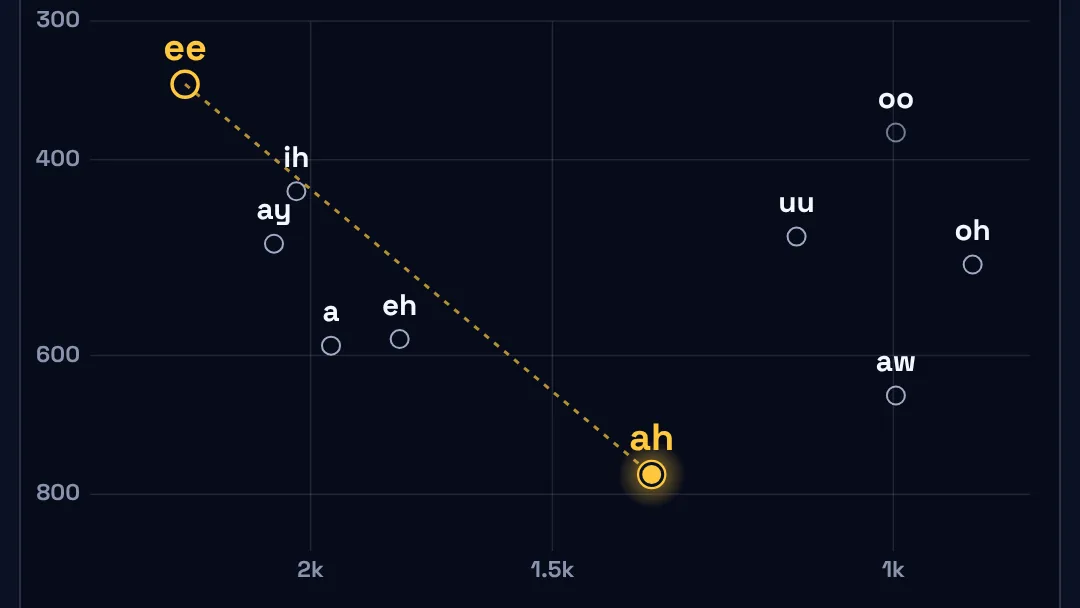 Interactive · Vowel LabHow does one buzz become every vowel?Where the two tones come from: move a tongue and hear one buzz become every vowel.
 Interactive · Noise Cancelling LabHow do noise-cancelling headphones work?Sound is moving air: play anti-noise against a hum.
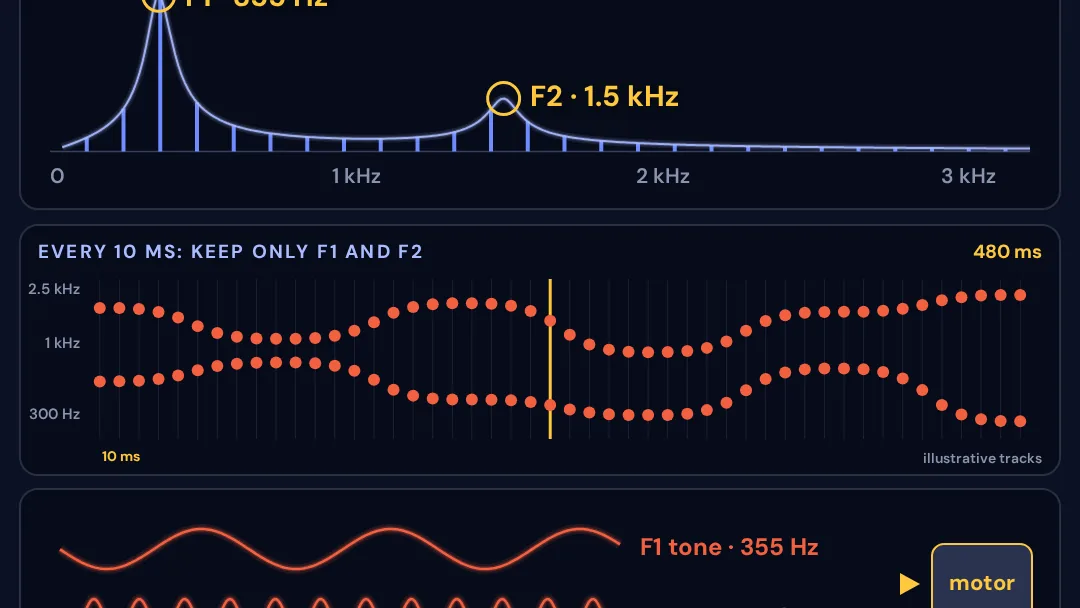 JournalHow can a MacBook trackpad talk with no speaker?There’s no speaker in a MacBook trackpad, only a haptic motor. Tap it thousands of times a second and the glass sings; two formant tones make it talk.